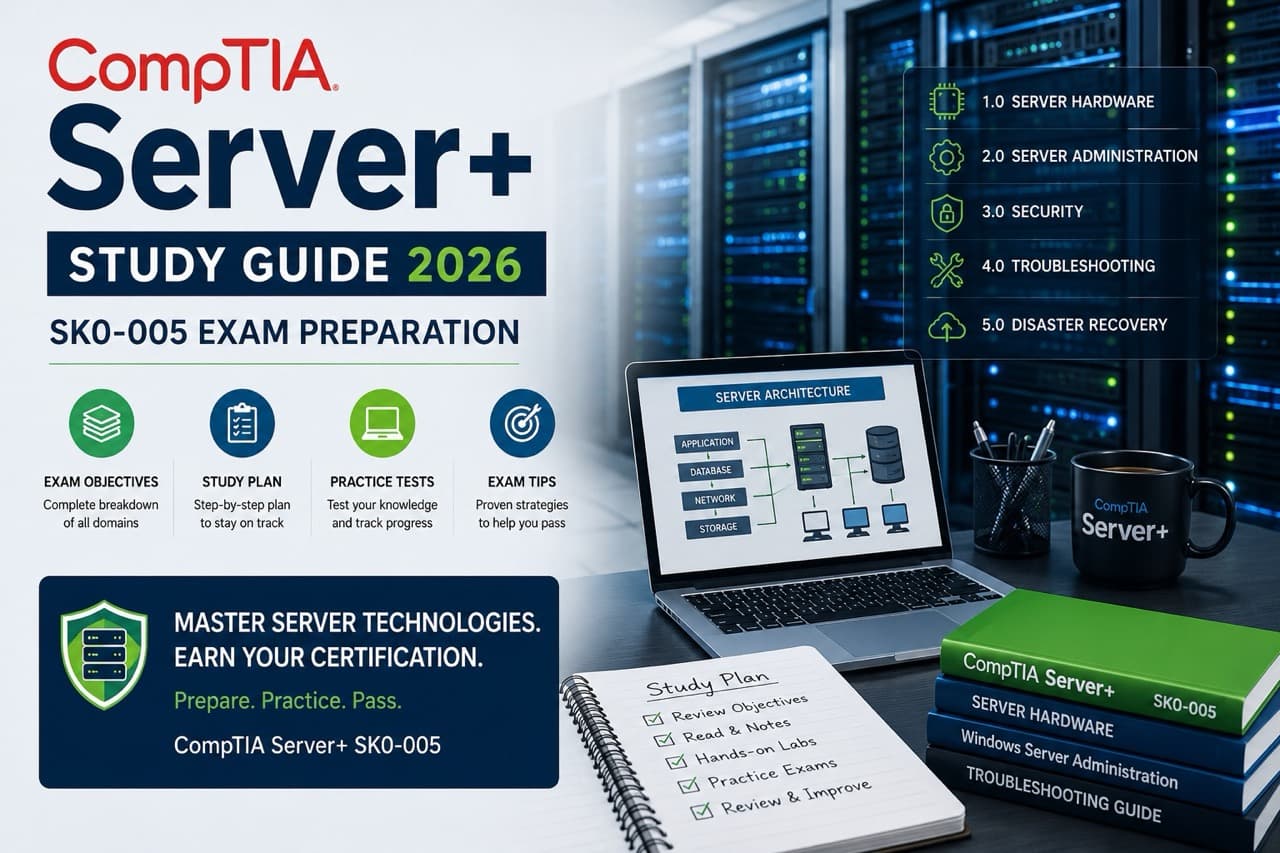
Looking for a solid CompTIA Server+ study guide for 2026? You're in the right place. Whether you're a server admin wanting to formalize your skills or a helpdesk tech trying to break into infrastructure work, the SK0-005 exam is a legitimate stepping stone. And yeah, it's actually kind of underrated compared to the more popular CompTIA certifications.
This guide covers everything you need to know to pass the CompTIA Server+ SK0-005 exam — the domains, the best study materials, a realistic study timeline, and the hands-on areas that trip people up most. We'll also get into some of the content itself, because understanding what you're studying matters more than just checking boxes off an objectives list.
What is CompTIA Server+ Certification?
CompTIA Server+ is a vendor-neutral certification that validates skills in server administration, maintenance, and troubleshooting. Unlike Microsoft's or Red Hat's certifications, Server+ doesn't lock you into one operating system or platform. That actually makes it more versatile than people give it credit for — it's genuinely useful in mixed environments where you might be managing Windows Server, Linux, and virtualized systems all at once.
The certification covers server hardware, operating systems, virtualization, storage, networking (from a server perspective), security, disaster recovery, and troubleshooting. It's designed for IT professionals with roughly 18-24 months of server experience, though plenty of people tackle it with less and do just fine with extra preparation time.
One thing worth knowing: Server+ isn't as well-known as CompTIA A+ or Security+, but in the right environment — think SMBs, MSPs, or government IT shops — it carries real weight. Employers who know what they're looking for appreciate the vendor-neutral angle.
SK0-005 Exam Overview
The current CompTIA Server+ exam code is SK0-005. This replaced the older SK0-004 version and updated the content to reflect modern data center realities — more virtualization, cloud integration, and updated security requirements. If you find Server+ study guide PDFs or materials referencing SK0-004, be careful: some content overlaps, but there are meaningful differences.
CompTIA Server+ SK0-005 at a Glance
- Exam Code: SK0-005
- Number of Questions: Maximum of 90
- Question Types: Multiple choice and performance-based
- Duration: 90 minutes
- Passing Score: 750 (on a scale of 100-900)
- Exam Cost: $369 USD
- Recommended Experience: 18-24 months in server administration
- Renewal: Every 3 years (30 CEUs required)
The exam includes performance-based questions alongside standard multiple choice. These scenario-based questions require you to actually demonstrate tasks — configuring RAID arrays, diagnosing server failures, or working through disaster recovery scenarios. You can't just memorize definitions and expect to breeze through. Hands-on practice genuinely matters here.
Compared to the SK0-004, the SK0-005 puts more emphasis on virtualization, cloud concepts, and modern security practices. If your server experience is older and you haven't kept up with virtualization trends, that's probably where to invest extra study time.
SK0-005 Exam Domains Breakdown
The SK0-005 exam objectives are organized into five domains. Knowing how much each domain is weighted helps you prioritize your study time. Here's what you're looking at:
Domain 1: Server Hardware Installation and Management (21%)
This domain covers the physical side of servers — rack installation, power management, cooling, memory configuration, RAID setup, and hardware troubleshooting. If you've spent time in a data center, much of this will feel familiar. If you haven't, you'll want to spend extra time here, ideally with hands-on access to server hardware or at minimum some good simulation videos.
Key topics include understanding different server form factors (rack, blade, tower), hot-swappable components, ECC versus non-ECC memory, and how to properly install and seat components. The exam expects you to know what can go wrong and how to diagnose it — not just what everything is called.
Domain 2: Server Administration (25%)
The largest domain, and for good reason. This covers operating system installation, configuration, and management — both Windows Server and Linux environments. You'll need to understand roles and features, command-line administration, remote management tools, and software deployment.
Don't neglect the Linux side. A lot of candidates with Windows backgrounds skip Linux prep because it feels unfamiliar and then get caught on exam questions. Basic Linux command-line fluency is expected — file permissions, package management, service management. You don't need to be a Linux admin, but you do need to not be completely lost.
Domain 3: Security and Disaster Recovery (21%)
Physical security, access controls, encryption, backup strategies, and business continuity planning all live here. This domain overlaps somewhat with Security+ content if you've already gone that route, though the Server+ angle is more infrastructure-focused than conceptual.
Backup types — full, incremental, differential, synthetic — show up on the exam. So do recovery objectives: understand the difference between RTO (Recovery Time Objective) and RPO (Recovery Point Objective) cold, because you will see questions on it. Disaster recovery planning isn't just theoretical here; you need to know how to actually implement and test it.
Domain 4: Troubleshooting (25%)
Tied with Server Administration as the biggest domain. Troubleshooting questions cover hardware failures, OS issues, network connectivity problems from the server side, storage failures, and performance degradation. These questions reward experience — knowing not just what to check but in what order.
A systematic troubleshooting methodology matters here. CompTIA uses a specific troubleshooting framework across their exams, and applying it consistently helps on these questions. Practice walking through failure scenarios methodically rather than jumping straight to the fix.
Domain 5: Storage (8%)
The smallest domain but not one to skip. Storage covers RAID levels, SAN and NAS architectures, storage protocols (iSCSI, Fibre Channel, NFS, SMB), and storage performance concepts. RAID levels 0, 1, 5, 6, and 10 all need to be second nature — calculating usable capacity and understanding fault tolerance for each.
Best Server+ Study Guide & Resources for SK0-005
Here's where most people start their research: what study materials actually work? I've seen a lot of opinions on Reddit and various forums, and the consensus is pretty consistent for Server+.
Official CompTIA Study Materials
CompTIA's own CertMaster platform offers Server+ learning paths that align directly with the SK0-005 objectives. It's not cheap, but it's thorough and you know it's covering exactly what the exam tests. CompTIA also offers a Server+ study guide through their official publishing partners — worth the investment if you want a single authoritative source.
The exam objectives document itself — available as a free PDF from CompTIA's website — is essentially a free study guide outline. Download it first. Every topic on the exam is listed there. Use it as your roadmap and check off topics as you cover them.
Third-Party Study Guides
The Mike Meyers CompTIA Server+ study guide is well-regarded in the community. Meyers has a knack for explaining technical concepts in ways that actually stick, and his books cover the right depth for this certification level. The Sybex Server+ study guide (part of the CompTIA official study guide series) is another solid option if you prefer a more structured textbook approach.
For the SK0-005 specifically, check publication dates carefully. Some Server+ study guides available as PDFs and in print still cover the older SK0-004 objectives. Look for materials explicitly published for the SK0-005 exam or updated in 2024-2025.
Video Courses
Professor Messer offers free CompTIA study materials including video courses. While his Server+ content may not be as extensive as his A+/Network+/Security+ libraries, it's worth checking what's available. Udemy courses from instructors like Mike Meyers provide another video-based option for people who learn better from watching than reading.
Practice Tests
Practice exams are non-negotiable. Kaplan IT Training and ExamCompass offer Server+ practice questions. The CompTIA CertMaster Practice platform provides adaptive practice aligned with the actual exam objectives. Take multiple practice tests before exam day and use your wrong answers to direct further study — that's more efficient than re-reading chapters you already know.
Study Resource Priority Order
- Start with: Official SK0-005 exam objectives PDF (free from CompTIA)
- Primary study guide: Mike Meyers or official CompTIA/Sybex guide
- Video supplement: Professor Messer or Udemy course
- Labs: Virtual server environments, home lab, or cloud-based practice
- Final prep: CertMaster Practice or Kaplan practice tests
Server+ Study Timeline: How Long to Prepare
The honest answer to "how long to study for CompTIA Server+" is: it depends on your current experience level. A lot. Here's a realistic breakdown:
Experienced Server Administrators (4-6 weeks)
If you're actively working in a server environment and have been for a couple years, the SK0-005 content should feel mostly familiar. Your study time focuses on filling gaps — probably virtualization concepts, specific RAID calculations, or DR planning frameworks — and practice testing to get comfortable with the exam format.
Plan for about 10 hours per week for 4-6 weeks. Front-load the domains you're weakest in. Take a practice test early to baseline yourself, then use your weak areas to guide your remaining study time.
Intermediate IT Professionals (8-12 weeks)
If you've got general IT experience but haven't worked specifically in server administration, expect to spend more time building foundational knowledge before practice testing feels useful. 10-15 hours per week for 8-12 weeks is a reasonable target.
This group benefits most from hands-on lab time. Set up a home lab with an old server or use virtualization software on your personal machine to practice installation, configuration, and troubleshooting scenarios. Reading about RAID is fine; actually configuring it is better.
Newer IT Professionals (3-4 months)
Less than 18 months of IT experience? Budget more time and be honest with yourself about the gaps. The exam assumes familiarity with server concepts that come from actually working with them, not just studying them. You can absolutely pass without extensive experience, but it requires more deliberate effort.
Consider getting some server exposure even if it's through cloud platforms — AWS free tier or Azure dev accounts let you spin up servers and practice administration tasks at no cost (or low cost). Not identical to physical hardware, but it builds genuine familiarity with OS configuration and management.
Server Hardware & Architecture
The server hardware domain trips up candidates who've worked primarily in software or cloud environments. Here are the concepts that matter most for the SK0-005:
Server Form Factors
Know the differences between tower, rack, and blade servers — not just what they look like but when you'd use each. Blade servers make sense in dense data center environments with shared infrastructure. Tower servers work well for smaller deployments. Rack-mounted units are the standard for most enterprise environments.
Understand U measurements for rack space. A 1U server takes up 1.75 inches of rack height. Know how to calculate how many servers fit in a standard 42U rack. These are the kinds of specifics that show up on the exam.
Memory (RAM) in Servers
ECC (Error-Correcting Code) memory is standard in servers because it detects and corrects single-bit memory errors before they cause crashes. Know why ECC matters and what happens without it. Understand DIMM slots, memory channels (single, dual, quad channel), and how adding memory affects performance.
RDIMM (Registered DIMM) versus UDIMM (Unbuffered DIMM) is exam territory. Registered memory is more stable at high densities, making it the go-to for servers. Unbuffered memory is faster but less stable and typically used in workstations and consumer systems.
Power and Cooling
Redundant power supplies are a core server concept — understand how hot-swap PSUs work and why N+1 redundancy matters. UPS (Uninterruptible Power Supply) types come up: standby, line-interactive, and online (double-conversion). Know which provides the best protection and why.
Cooling strategies — hot aisle/cold aisle configurations, liquid cooling basics, and environmental monitoring — all appear in the hardware domain. Data center efficiency concepts like PUE (Power Usage Effectiveness) may also appear.
RAID Quick Reference
- RAID 0: Striping only. No redundancy. Best performance, total failure if one drive fails.
- RAID 1: Mirroring. Full redundancy. 50% usable capacity. One drive can fail.
- RAID 5: Striping with parity. Minimum 3 drives. One drive can fail. Usable: (n-1) × drive size.
- RAID 6: Striping with double parity. Minimum 4 drives. Two drives can fail.
- RAID 10: Mirroring + Striping. Minimum 4 drives. One drive per mirror pair can fail. Best performance with redundancy.
Virtualization & Storage
Virtualization is increasingly central to the SK0-005 exam, reflecting the reality of modern data centers. If you're working in environments where everything is physical hardware, this might be your biggest knowledge gap.
Virtualization Fundamentals
Understand the difference between Type 1 (bare-metal) and Type 2 (hosted) hypervisors. VMware ESXi, Microsoft Hyper-V, and KVM are Type 1 hypervisors — they run directly on hardware. VirtualBox and VMware Workstation are Type 2 — they run on top of an existing OS. Enterprise server environments almost always use Type 1.
VM concepts to know: snapshots (and their storage implications), live migration, templates and cloning, resource pools, and vNICs. Understand the overhead that virtualization introduces and how to account for it when sizing hardware. You don't need deep VMware admin skills, but you do need conceptual fluency.
Storage Architectures
The storage domain covers both local and networked storage. For networked storage:
- SAN (Storage Area Network): Block-level storage over Fibre Channel or iSCSI. Servers see SAN storage as local disks. High performance, complex to manage.
- NAS (Network Attached Storage): File-level storage over NFS (Linux/Unix) or SMB/CIFS (Windows). Easier to manage, more accessible, lower cost.
- DAS (Direct Attached Storage): Storage directly connected to the server. No network involvement. Simplest but hardest to share.
Storage protocols — iSCSI, Fibre Channel, FCoE (Fibre Channel over Ethernet), NFS, and SMB — each appear in the exam objectives. Know which protocols are block-level versus file-level and the typical use cases for each.
Storage Performance Concepts
IOPS (Input/Output Operations Per Second) and throughput are both relevant to storage performance. Understand that SSDs dramatically outperform spinning HDDs in IOPS, which is why SSDs dominate for operating system and database workloads. Understand tiered storage: fast SSDs for hot data, slower HDDs for cold data.
Disaster Recovery & Business Continuity
The disaster recovery section of the Server+ exam is more practical than conceptual. You're expected to know how to implement backup strategies, not just define them.
Backup Types
Full backups copy everything. They're the most storage-intensive but fastest to restore from. Incremental backups copy only what changed since the last backup (any type). They're storage efficient but slower to restore — you need the full backup plus every incremental since. Differential backups copy everything changed since the last full backup. Faster to restore than incremental (you only need the full plus the latest differential), but they grow over time.
Synthetic full backups combine a previous full backup with incremental backups into a new full backup without reading from the source system. These are increasingly common in modern backup solutions and worth understanding for the exam.
Recovery Objectives
RTO is Recovery Time Objective — how long can systems be down before it becomes unacceptable? RPO is Recovery Point Objective — how much data loss is acceptable, measured in time? If your RPO is 4 hours, you need backups at least every 4 hours. These get confused a lot, so make sure you have the definitions locked in.
High Availability Concepts
Failover clustering, load balancing, and redundant systems are all part of the disaster recovery and business continuity section. Know the difference between active-active and active-passive clustering. Active-active means both nodes handle traffic simultaneously; active-passive means one node is on standby, ready to take over when the primary fails.
Common Exam Traps
- Don't confuse RTO (downtime tolerance) with RPO (data loss tolerance) — they test this repeatedly
- Remember that RAID is NOT a backup — it protects against drive failure but not accidental deletion or corruption
- Differential backups grow over time; incremental backups stay small but require more to restore
- Active-active clustering provides load balancing AND redundancy; active-passive provides only redundancy
Troubleshooting & Security
The troubleshooting domain is the one where exam experience from other CompTIA certifications really pays off. CompTIA uses a consistent troubleshooting methodology that you should know cold.
CompTIA Troubleshooting Methodology
The standard approach: identify the problem, establish a theory of probable cause, test the theory, establish a plan of action, implement the solution, verify system functionality, and document findings. Sounds basic, but the exam uses this framework explicitly in scenario questions. Apply it consistently rather than jumping straight to the fix.
Common Server Problems
POST errors and beep codes indicate hardware failures during startup — know the general categories (memory failures, video failures, CPU failures). Error logs in both Windows Event Viewer and Linux (/var/log/) are primary diagnostic tools. Resource monitoring — CPU utilization, memory usage, disk I/O, network throughput — helps identify bottlenecks versus failures.
Blue Screen of Death (BSOD) in Windows and kernel panics in Linux both indicate serious failures. Understanding common causes — hardware failures, driver conflicts, memory issues — helps you approach these situations systematically.
Server Security
Physical security comes up in the Server+ exam more than some people expect — biometric access, server locks, cable locks, surveillance. Logical security covers account management, access controls, and least privilege principles. Keep in mind that the Security+ exam covers these in more depth; Server+ focuses on implementation from an infrastructure perspective.
Patch management is security-adjacent content that belongs to the server administration domain but has security implications: keeping servers patched versus maintaining stability, testing patches before production deployment, and rollback planning.
Exam Day Tips for Server+ SK0-005
You've done the studying. Now let's talk about actually taking the exam.
Before the Exam
Schedule your exam at a Pearson VUE testing center or via online proctoring — both are available for Server+. If you're prone to test anxiety, an in-person testing center provides a more controlled environment. Online proctoring is convenient but has strict environmental requirements (quiet room, clear desk, working webcam).
Take a full-length practice test the week before your exam, not the night before. Use any remaining gaps identified in that test for final review. The day before, don't cram — review your notes lightly or take the day off. You'll perform better rested than exhausted from a last-minute study marathon.
During the Exam
Performance-based questions usually appear at the beginning of the exam. Don't let them eat all your time. If you're stuck, move on and come back. Multiple-choice questions may actually give you hints or context for performance-based scenarios you weren't sure about.
Read every question carefully. CompTIA questions often include qualifiers like "MOST likely," "BEST," or "FIRST." These change the correct answer. A technically correct answer that isn't the best first step is wrong in CompTIA's framework.
Time Management
90 minutes for 90 questions means roughly one minute per question. Performance-based questions take longer, so you'll need to move efficiently through multiple choice to have buffer time for scenarios. Flag questions you're uncertain about and return to them after completing the rest.
Last-Minute Study Focus Areas
- RAID levels — know usable capacity formulas and fault tolerance
- RTO vs RPO definitions and how they apply to backup decisions
- Backup types and restore complexity (full → differential → incremental)
- Type 1 vs Type 2 hypervisors and examples of each
- SAN vs NAS vs DAS — block-level vs file-level vs direct
- ECC vs UDIMM and when each is used
- Active-active vs active-passive clustering behavior
Alternative Exam Support
Not everyone has the luxury of months of prep time. Work schedules, family commitments, and other obligations can make finding adequate study time genuinely difficult. If you're struggling with exam preparation or facing time pressure, professional exam assistance services are available.
Our team at ComptiaHelp has supported many IT professionals through their certification journeys. If the timeline doesn't allow for traditional preparation, learn how we can help with your Server+ exam.
Frequently Asked Questions
Frequently Asked Questions
Final Thoughts: Your Server+ Study Plan
The CompTIA Server+ SK0-005 is a legitimate certification that rewards hands-on server knowledge. It's not the flashiest cert on the block, but for IT professionals working in server administration, it provides real validation that generalist certs like A+ don't offer.
Your study approach should match your experience level. Don't skip the hands-on labs in favor of reading more study guides — the performance-based questions require practical familiarity, and no amount of reading fully substitutes for actually working through server configuration and troubleshooting scenarios.
Get the official exam objectives PDF first. Build your study plan around the five domains weighted by their exam percentage. Take a practice test early to identify gaps, then fill those gaps systematically. And give yourself enough time — cramming two weeks before the exam is a poor strategy for content this practical.
The Server+ SK0-005 exam is passable with the right preparation. Put in the work, get hands-on where you can, and you'll be adding a valuable credential to your IT portfolio in 2026.
Need help with your Server+ certification journey? Contact our team to learn more about how we support IT professionals with their exam goals.